Unity-OpenHeightmap
OpenHeightmap
A free Unity editor tool for generating terrain heightmaps. Pick a preset or set up the noise yourself, see the result in a live preview, then export it or apply it straight to a scene terrain.
Features
- 6 noise types: Perlin, Simplex, Voronoi, Worley, Value and Midpoint Displacement
- Erosion: hydraulic (droplet-based) and thermal
- 10 presets: from Rolling Hills to Volcanic, each with a suggested terrain height and splatmap colors
- Splatmaps: terrain layers painted by height and slope
- Apply to Terrain: updates the scene terrain, or creates a correctly sized one
- Export: 16-bit PNG, RAW16 or EXR
Requirements
- Unity 6 or newer (URP)
Installation
- Download or clone this Repository.
- Copy the
Assets/OpenHeightmapfolder into your project’sAssetsfolder. - Open the tool from Tools > OpenHeightmap (Ctrl+Alt+H).
Quick Start
- Choose a preset in the Presets tab and click Apply Preset.
- Click Generate.
- Click Apply to Terrain, or Export to save the heightmap.
Generated terrains are saved to Assets/OpenHeightmap Generated, outside the tool folder, so updating the tool never touches them.
Documentation
Full documentation, covering every setting, preset and the API, is included with the tool:
Assets/OpenHeightmap/Documentation/Index.html (open it in your browser).
Previews
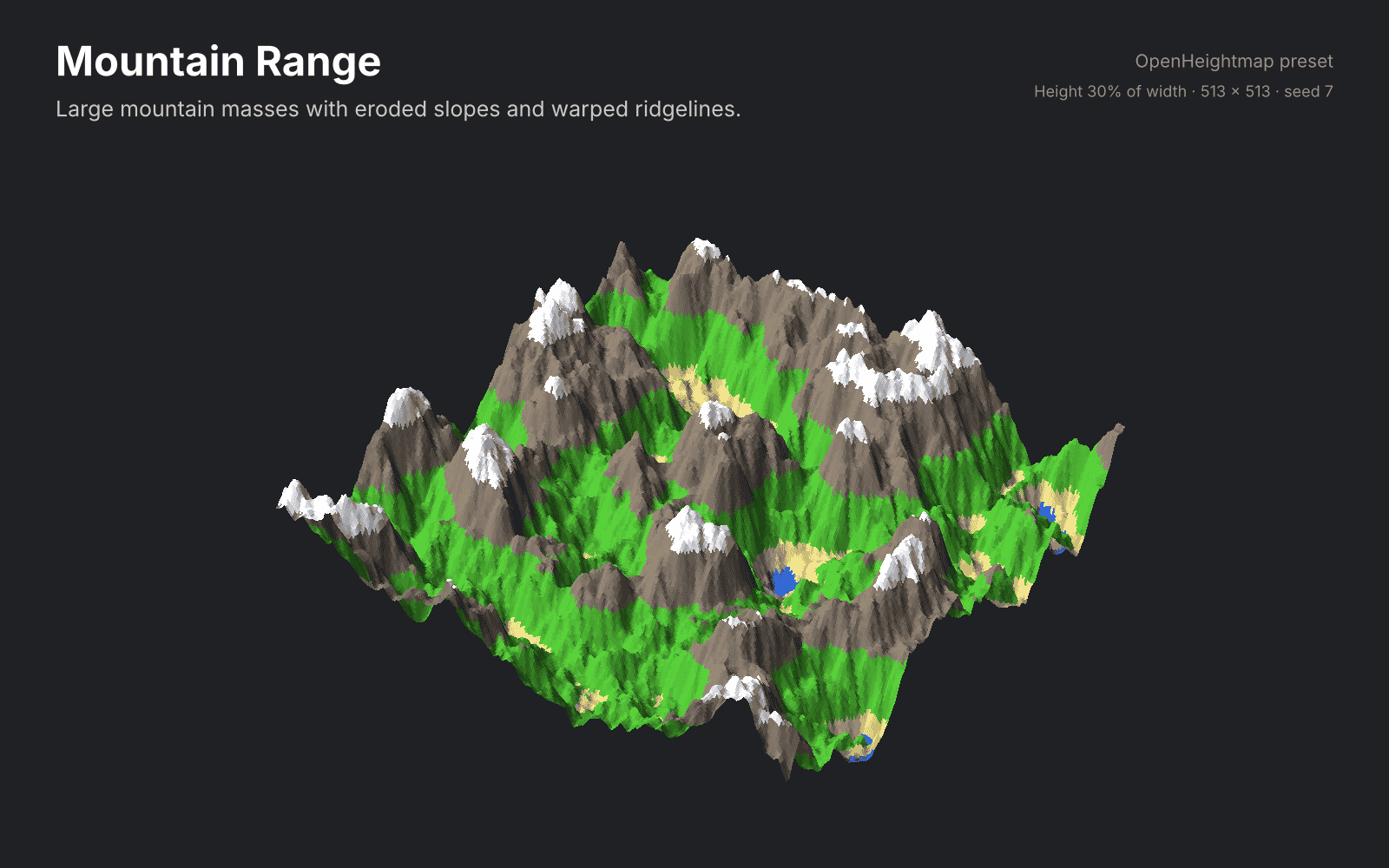
See the Previews folder for a rendered image of every preset.
Companion Tool
OpenStamper layers craters, ridges, rivers and more onto your heightmaps. It requires OpenHeightmap.
License
MIT. See LICENSE.